

Managing employee schedules across multiple business locations is significantly more complex than scheduling a single office or store. Whether you operate retail outlets, restaurants, healthcare clinics, warehouses, manufacturing facilities, or field service teams, every location has unique staffing requirements, operating hours, customer demand, and workforce challenges.
As businesses expand into new cities or states, scheduling becomes more than simply assigning employees to shifts. Managers must coordinate staffing across locations, balance labor costs, monitor overtime, handle employee availability, manage shift changes, and ensure every location remains fully staffed without increasing unnecessary payroll expenses.
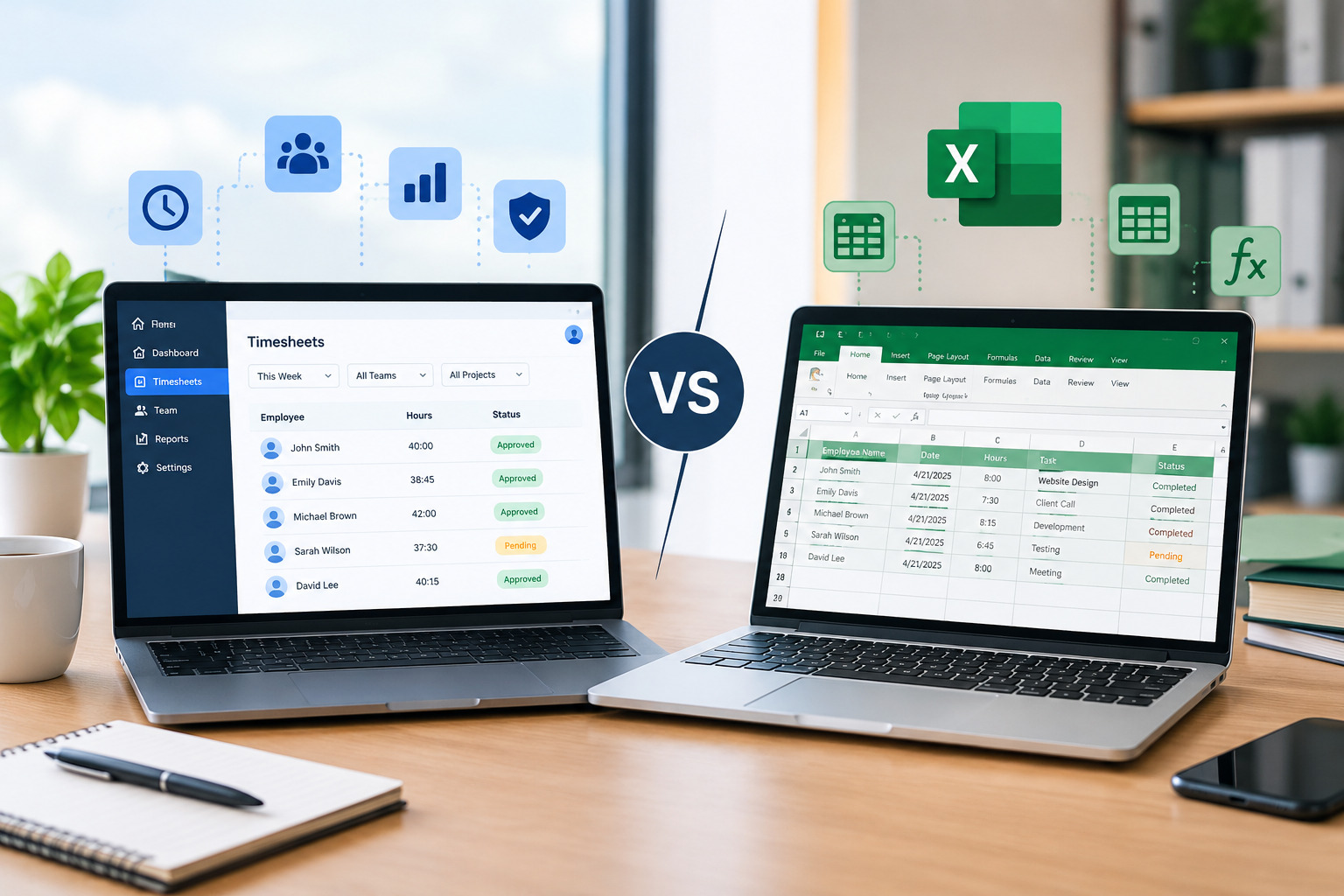
Many growing businesses continue using spreadsheets, emails, or paper schedules for workforce planning. While these methods may work for one location, they quickly become inefficient when managing multiple branches. Poor coordination often leads to scheduling conflicts, communication gaps, overtime, and inconsistent customer experiences.
Modern employee scheduling software helps businesses centralize scheduling, improve workforce visibility, and simplify operations across every location.
In this guide, we’ll explore the best employee scheduling practices for multi-location businesses and explain how the right scheduling strategy can improve productivity, reduce labor costs, and support long-term growth.
Why Multi-Location Scheduling Is More Challenging
Every business location operates differently.
One location may require additional staff during weekends, while another experiences higher demand on weekdays. Some locations may require specialized employees, while others depend heavily on part-time workers.
Managers must consider numerous variables, including:
- Different operating hours
- Employee availability
- Local labor requirements
- Business demand
- Overtime limits
- Shift coverage
- Employee skills
- Leave requests
Without centralized scheduling, managing these variables becomes increasingly difficult.
The Hidden Costs of Poor Multi-Location Scheduling
Many organizations underestimate how much poor scheduling affects overall business performance.
Common consequences include:
- Excessive overtime
- Inconsistent staffing
- Payroll inaccuracies
- Employee frustration
- Customer service issues
- Administrative workload
- Communication breakdowns
- Reduced productivity
As the number of locations grows, these problems become increasingly expensive.
Implementing structured scheduling practices helps businesses maintain consistency while controlling labor costs.
Also Read : Scheduling Mistakes That Cost Businesses Thousands Every Year (2026 Guide)
What Is Multi-Location Employee Scheduling?
Multi-location employee scheduling refers to planning, assigning, and managing employee work schedules across multiple business locations from one centralized system.
Instead of maintaining separate spreadsheets for every branch, businesses use scheduling software to manage their workforce from one platform.
Managers gain visibility into staffing levels, employee availability, attendance, overtime, and labor costs across the entire organization.
Internal Link Opportunity
Looking for a centralized scheduling solution? Explore our Employee Scheduling Software to simplify workforce management across multiple business locations.
Best Practice #1: Centralize All Scheduling
One of the biggest mistakes growing businesses make is allowing every location to manage schedules independently.
Separate spreadsheets often result in:
- Inconsistent scheduling
- Duplicate administrative work
- Communication issues
- Limited workforce visibility
A centralized scheduling platform allows corporate managers and location managers to work from the same system while maintaining location-specific control.
Everyone accesses accurate, real-time scheduling information.
Best Practice #2: Standardize Scheduling Policies
Consistency improves operational efficiency.
Every location should follow standardized scheduling policies covering:
- Shift lengths
- Break periods
- Overtime rules
- Leave requests
- Shift approval
- Schedule publishing deadlines
Standardized policies reduce confusion while ensuring fair scheduling across the organization.
Employees understand expectations regardless of which location they work at.
Best Practice #3: Track Employee Availability
Employee availability changes frequently.
Managers should maintain updated availability for every employee before creating schedules.
Scheduling software allows employees to:
- Update availability
- Submit leave requests
- Indicate preferred shifts
- View schedules
Accurate availability information significantly reduces scheduling conflicts.
Best Practice #4: Use Workforce Demand Data
Every location experiences different customer demand.
Instead of assigning identical staffing levels everywhere, managers should analyze:
- Historical sales
- Customer traffic
- Seasonal demand
- Business trends
- Operating hours
Scheduling employees according to actual demand helps reduce both understaffing and overstaffing.
Better labor planning improves profitability.
Best Practice #5: Balance Labor Costs Across Locations
Labor expenses vary by location.
Managers should monitor:
- Scheduled hours
- Overtime
- Staffing levels
- Labor budgets
Scheduling software provides workforce dashboards that help managers compare labor performance across all locations.
This allows businesses to identify inefficiencies before they affect profitability.
Best Practice #6: Monitor Overtime Proactively
Overtime often increases when managers only focus on individual locations.
A centralized scheduling platform provides visibility across the organization.
Managers can identify employees approaching overtime and redistribute work before additional payroll costs occur.
Reducing unnecessary overtime improves both profitability and employee well-being.
Learn how scheduling software helps businesses reduce labor expenses in our guide on How Scheduling Software Reduces Overtime Costs.
Best Practice #7: Improve Communication Across Locations
Communication becomes increasingly difficult as businesses expand.
Employees working across different locations often struggle to receive updated schedules quickly.
Scheduling software automatically sends:
- Shift notifications
- Schedule updates
- Leave approvals
- Shift swap confirmations
Real-time communication reduces missed shifts and scheduling confusion.
Best Practice #8: Allow Controlled Shift Swaps
Employees occasionally need schedule flexibility.
Rather than relying on phone calls or text messages, businesses should use structured shift swap processes.
Scheduling software enables employees to request shift swaps while managers maintain approval authority.
This improves flexibility without sacrificing workforce control.
Best Practice #9: Integrate Scheduling With Attendance
Scheduling alone doesn’t provide a complete workforce picture.
Businesses should connect scheduling with:
- Attendance tracking
- Timesheet management
- Payroll
- Leave management
Integrated workforce management improves payroll accuracy while reducing administrative work.
Discover how our Timesheet Management Software helps businesses accurately track employee work hours across multiple locations.
Best Practice #10: Create Location-Specific Templates
Although centralized scheduling is important, every location has different staffing needs.
Scheduling templates allow managers to quickly create schedules tailored to each location while maintaining organizational consistency.
Templates reduce administrative work while improving scheduling accuracy.
Best Practice #11: Monitor Workforce Performance
Scheduling decisions should be supported by workforce data.
Managers should regularly review:
- Attendance
- Labor costs
- Overtime
- Shift coverage
- Employee productivity
- Scheduling efficiency
Scheduling software provides reports that help improve workforce planning over time.
Data-driven scheduling produces better business outcomes.
Best Practice #12: Prepare for Business Growth
Successful businesses continue expanding.
Scheduling processes should support future growth rather than requiring complete redesigns every time a new location opens.
Cloud-based scheduling software allows organizations to add:
- New employees
- New departments
- New locations
- Additional managers
without disrupting existing workforce operations.
Scalable scheduling systems support sustainable business growth.
Also Read : How Scheduling Software Reduces Overtime Costs (2026 Guide)
Common Scheduling Mistakes Multi-Location Businesses Should Avoid
Many organizations encounter similar scheduling problems during expansion.
Common mistakes include:
- Managing locations independently
- Relying on spreadsheets
- Ignoring employee availability
- Overusing overtime
- Delaying schedule publication
- Poor communication
- Lack of workforce reporting
- Inconsistent scheduling policies
Avoiding these mistakes improves operational efficiency and employee satisfaction.
Benefits of Centralized Employee Scheduling
Organizations that centralize workforce scheduling often experience:
- Better workforce visibility
- Lower labor costs
- Reduced overtime
- Faster schedule creation
- Improved communication
- Better payroll accuracy
- Increased employee satisfaction
- Simplified multi-location management
Automation helps managers spend less time scheduling and more time improving business performance.
How Office1Solution Supports Multi-Location Workforce Management
Office1Solution provides employee scheduling software designed to simplify workforce management for businesses operating across multiple locations.
The platform enables organizations to:
- Create schedules from one dashboard
- Track attendance
- Monitor overtime
- Manage timesheets
- Coordinate multiple branches
- Improve workforce reporting
- Simplify labor planning
By connecting scheduling, attendance, and workforce management into one centralized platform, Office1Solution helps businesses reduce administrative work while improving operational efficiency.
Internal Link Opportunity
Explore our Workforce Management Software to manage scheduling, attendance, and employee operations across all your business locations.
Choosing the Right Scheduling Software
Businesses managing multiple locations should look for software that offers:
- Centralized scheduling
- Mobile employee access
- Attendance integration
- Timesheet management
- Automated scheduling
- Employee availability tracking
- Shift notifications
- Workforce analytics
- Multi-location support
- Payroll compatibility
Selecting scalable software ensures workforce management remains efficient as the business continues to grow.
Frequently Asked Questions
Why is multi-location scheduling more difficult?
Managing multiple locations involves different staffing requirements, employee availability, labor budgets, and operational demands, making scheduling significantly more complex than single-location businesses.
Can scheduling software reduce overtime across multiple locations?
Yes. Scheduling software provides centralized visibility into employee hours, allowing managers to redistribute work before overtime occurs.
Is centralized scheduling suitable for small businesses?
Absolutely. Even businesses with only two or three locations benefit from improved organization, communication, and workforce visibility.
Does scheduling software integrate with attendance?
Most modern scheduling platforms integrate directly with attendance and timesheet management, improving payroll accuracy and workforce reporting.
Final Thoughts
As businesses expand, workforce scheduling becomes increasingly complex. Managing multiple locations using spreadsheets or disconnected systems often creates scheduling conflicts, communication issues, payroll errors, and unnecessary labor costs.
Implementing standardized scheduling practices supported by modern employee scheduling software allows businesses to centralize workforce management, improve visibility, reduce overtime, and maintain consistent operations across every location.
Organizations that invest in scalable scheduling solutions position themselves for sustainable growth while creating better experiences for both managers and employees.
Recent Posts
- Time and Attendance Software: Complete Guide for Employers

- Time and Attendance: What’s the Difference Between the Two?

- How to Reduce Timesheet Errors and Improve Payroll Accuracy

- Timesheet App for Employees: Features, Benefits & Best Practices

- Timesheet Software vs. Excel: Which Is Better for Businesses?
Stay Ahead. Simplify Workforce Management.
Empower your teams to work efficiently with a unified workforce platform built for clarity, control, and actionable insights across your organization.