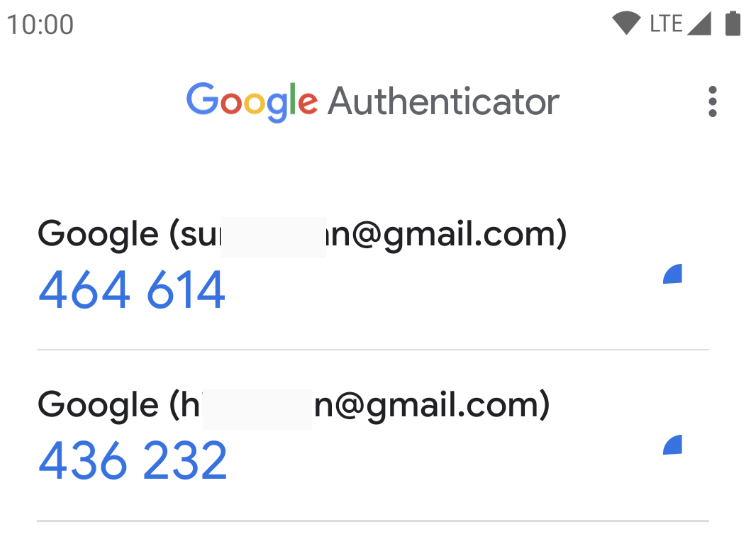
Install A 2FA Authenticator App
Have an iPhone or Android?
iPhone/iOS
2FA via authenticator apps like Google Authenticator, Authy or Dashlane gives the account the highest level of security.
Google Authenticator
On the iPhone? Click to download:

On the computer? Take the phone and scan this QR code:

iOS step-by-step instructions for installing Google Authenticator:
- Step 1 – Select the App Store icon on the Apple device and tap to open
- Step 2 – Type in Google Authenticator into the search function and tap the search icon
- Step 3 – The Google Authenticator app will display. If the app is not already on the phone, the button will read ‘FREE’ and it is possible to tap on it to begin the installation process.
- Step 4 – Enter the Apple ID or touch the home button if Touch ID is enabled
- Step 5 – Once the Apple ID has been entered correctly, the app will start to install on the device
- Step 6 – Once the Google Authenticator app is installed on the iOS device, users can proceed to follow the on-screen steps to activate the six-digit code