
Clock In / Out
This training will teach you how to accurately record your work hours using the OfficeOne.
Go to app.office1solution.com
1. Introduction
You will learn to clock in and out while adding relevant comments to document your work status.
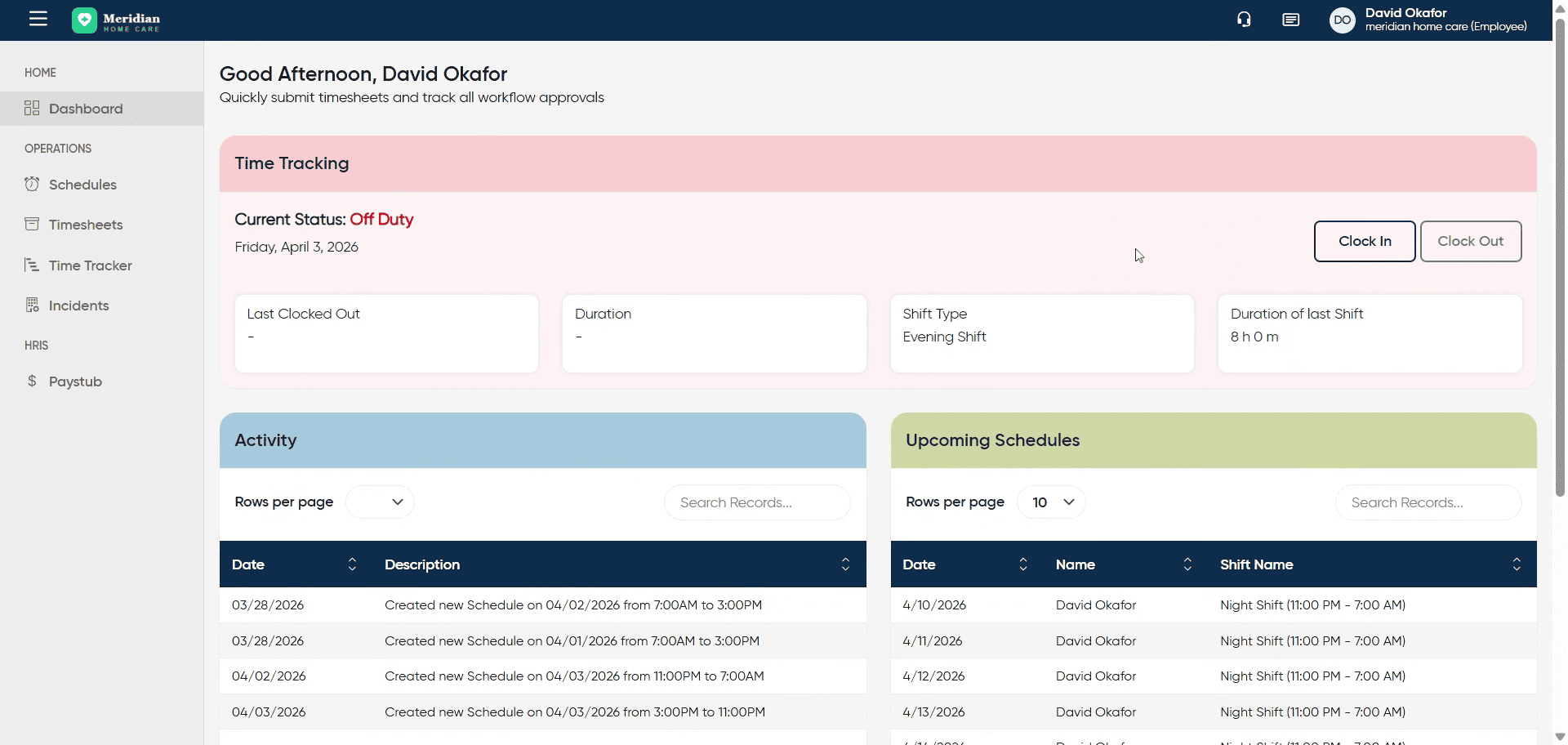
2. Initiate Clock In Process
Click “Clock In” to begin recording your work time for the day.
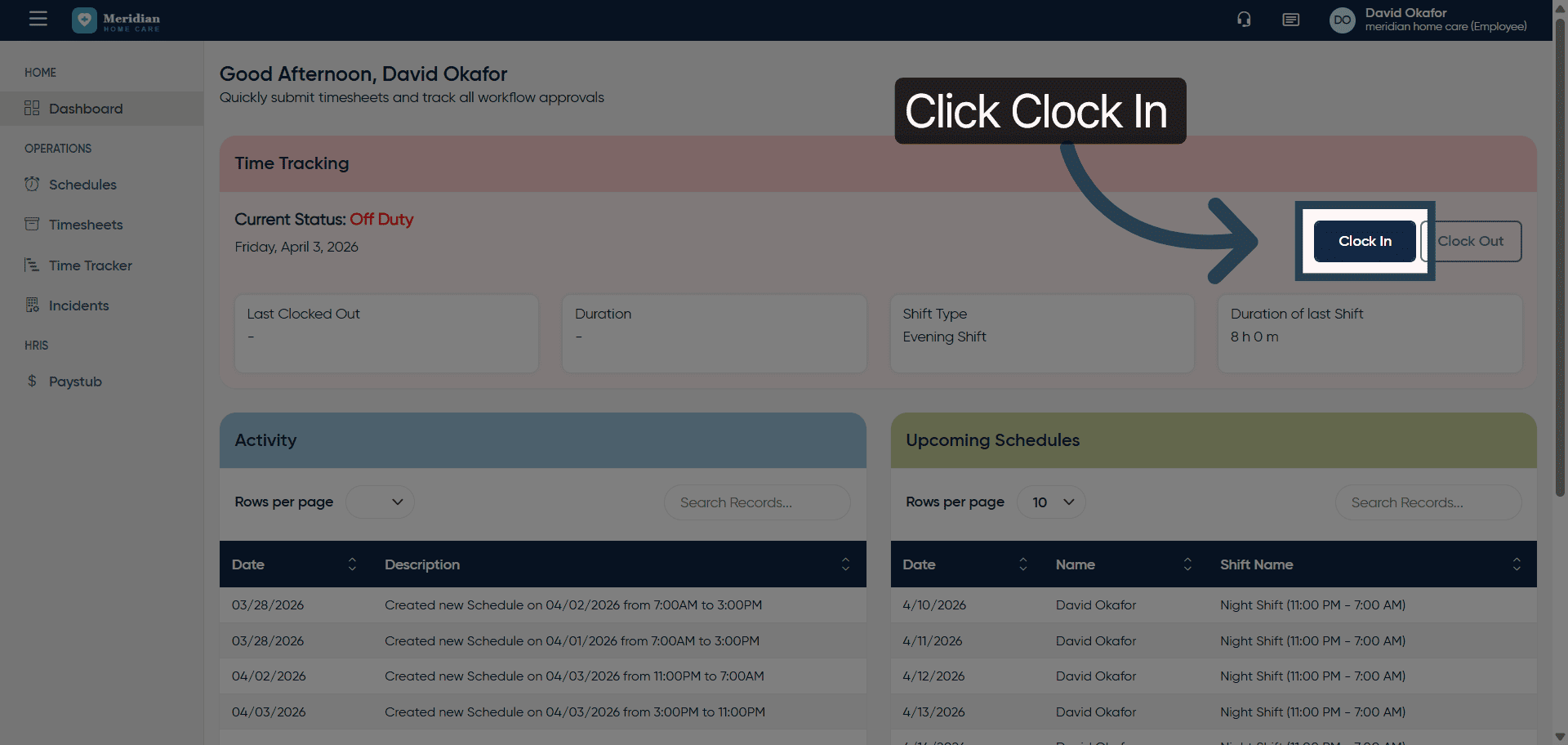
3. Open Comment Field
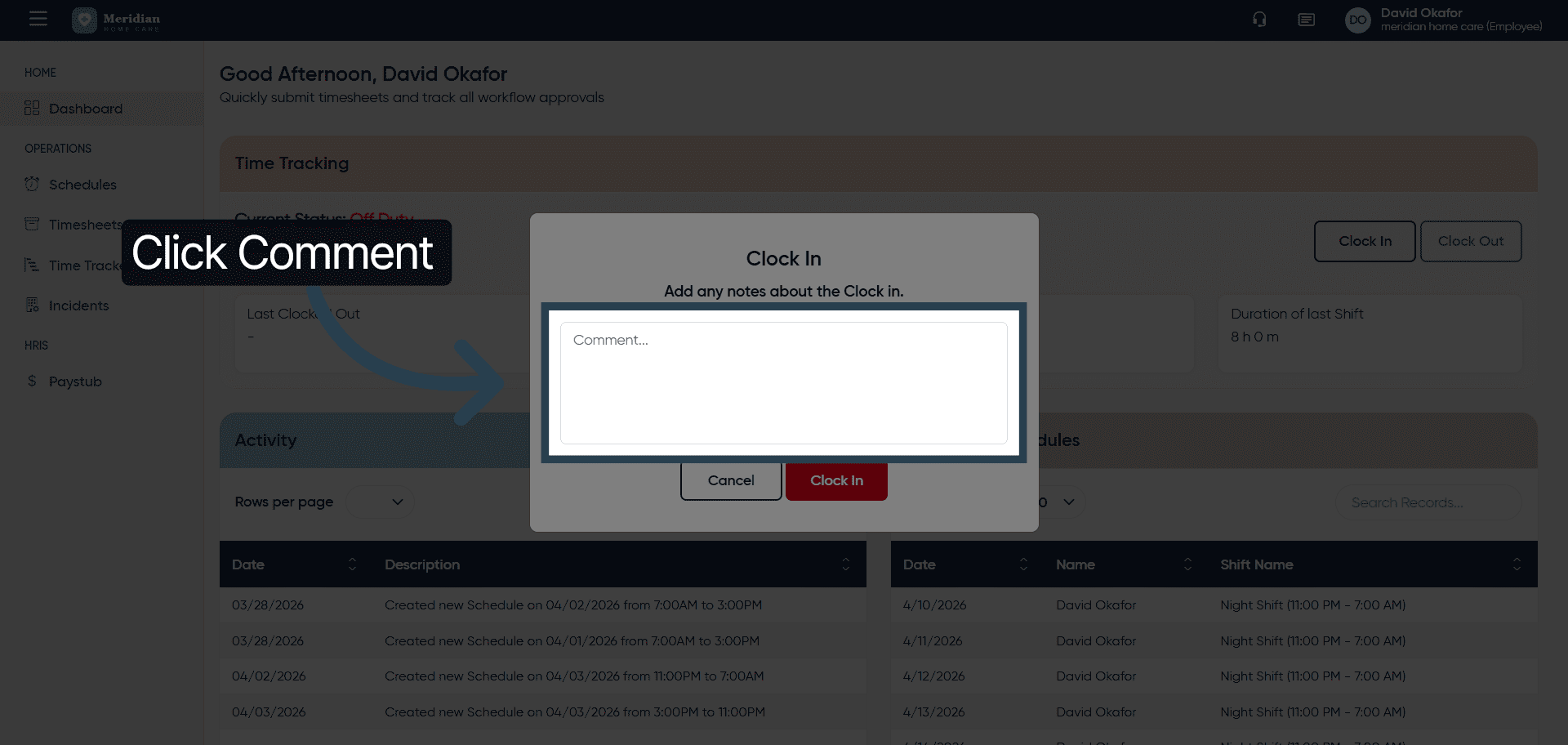
4. Add Work Start Comment
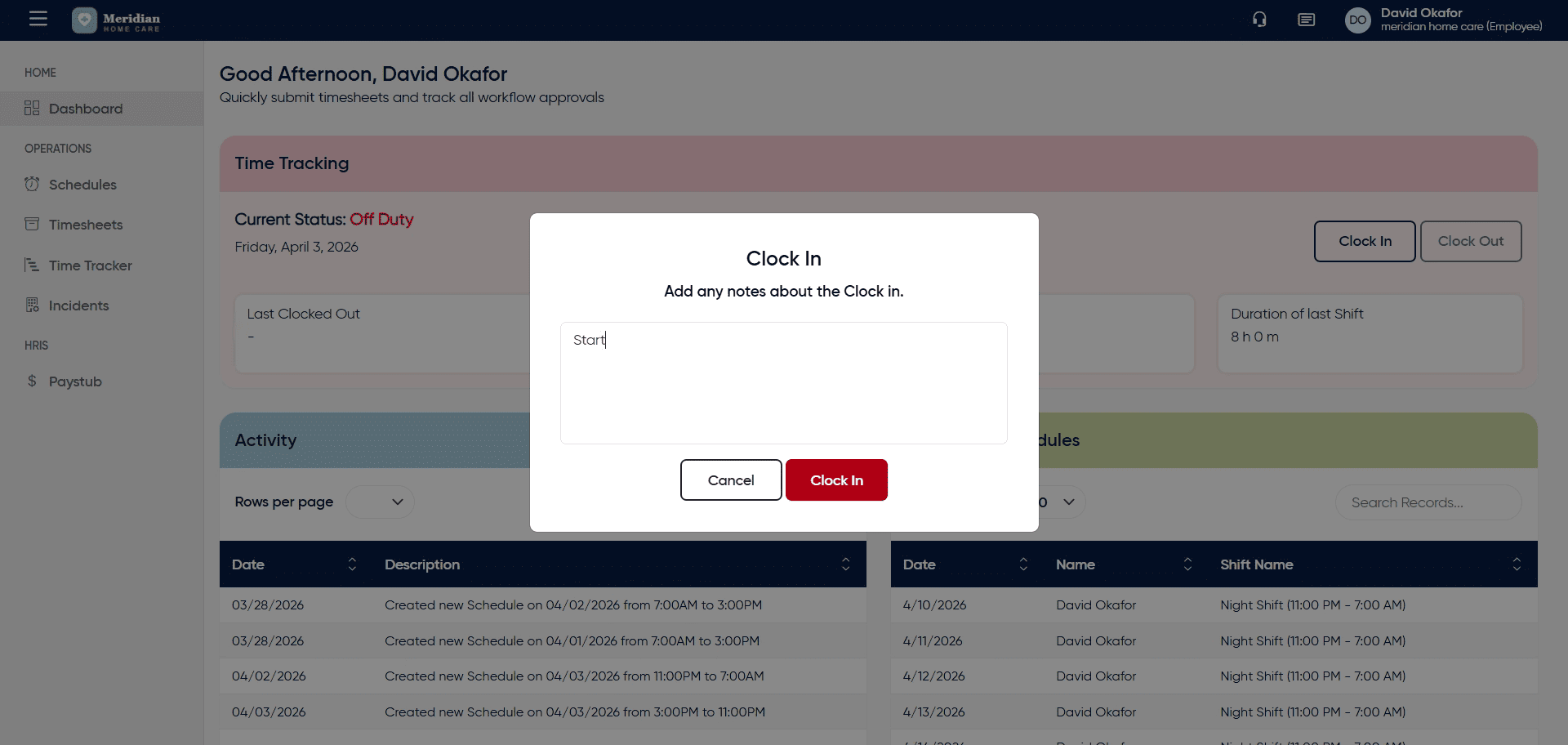
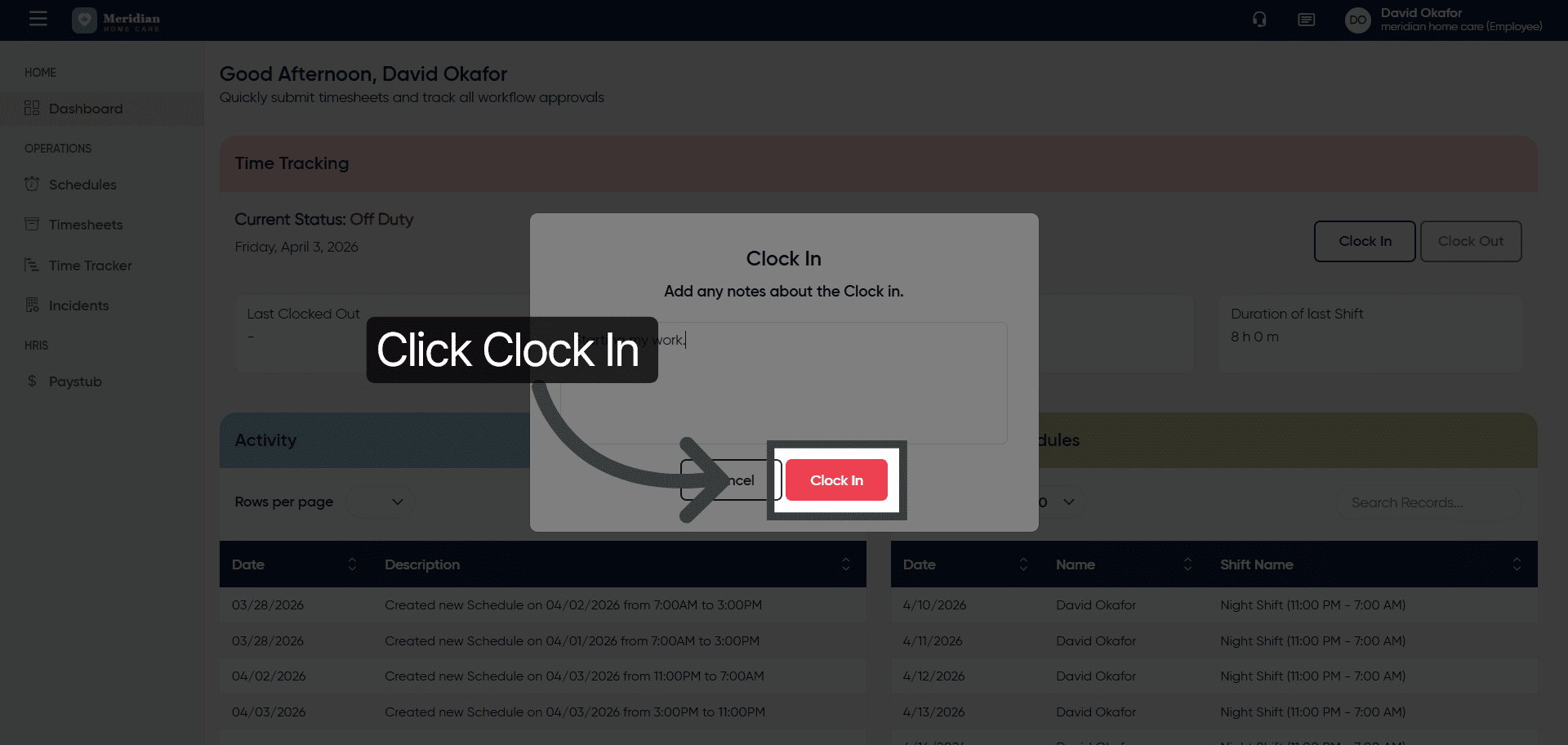
5. Confirm Clock In
Submitting it will mark the user as clocked in.
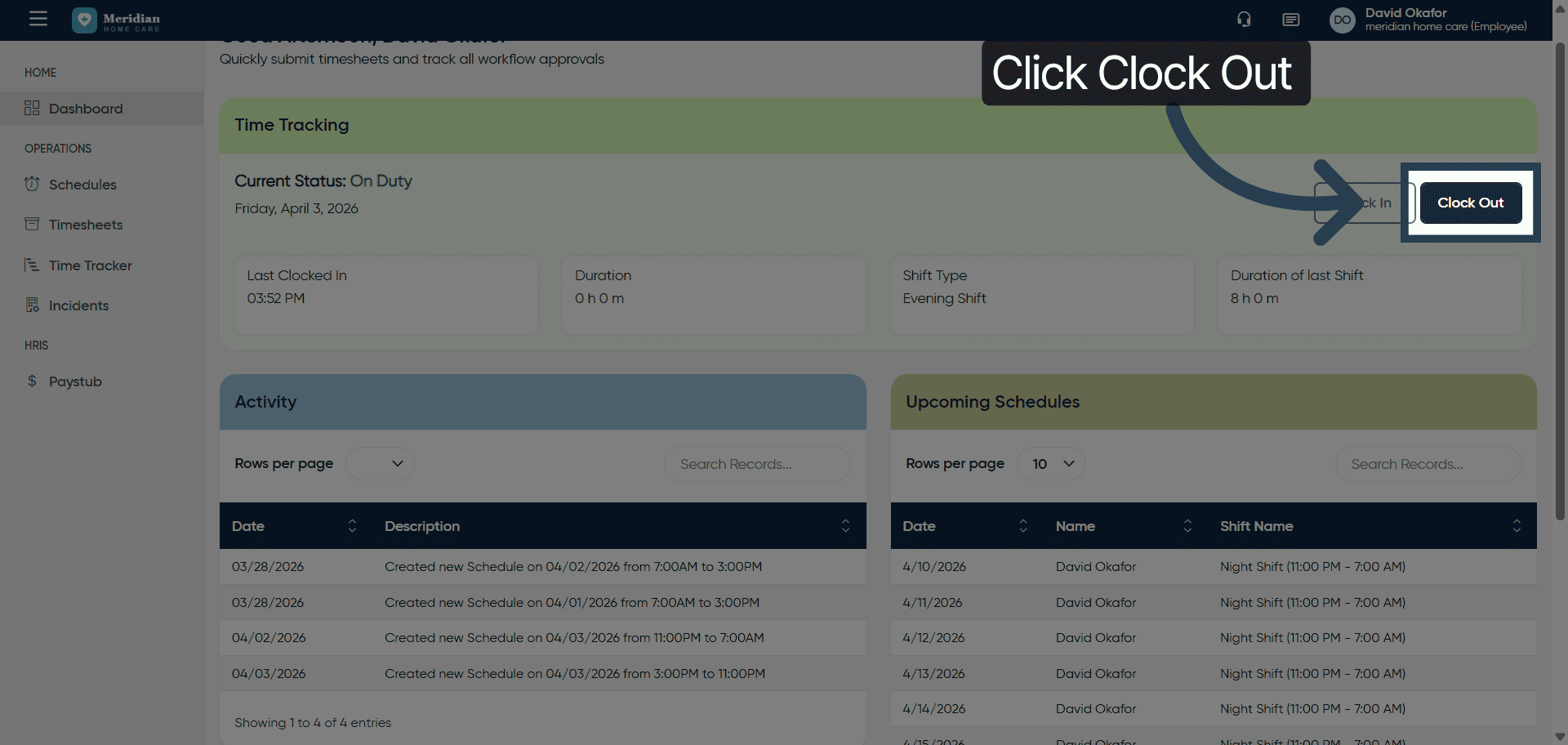
6. Initiate Clock Out Process
Lets check the clock out process. Click “Clock Out” when you are ready to end your work session for the day.
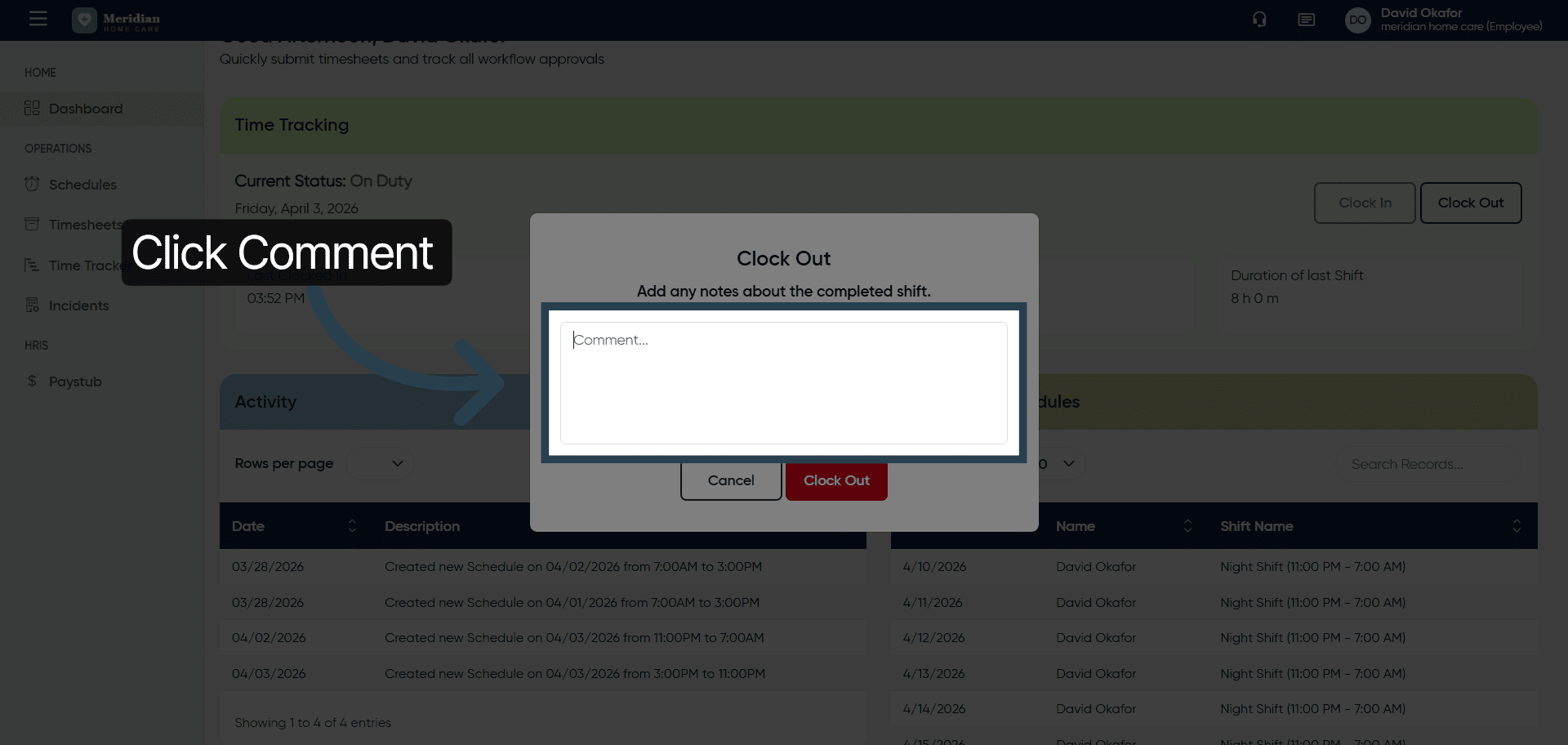
7. Open Clock Out Comment Field
8. Add Clock Out Comment
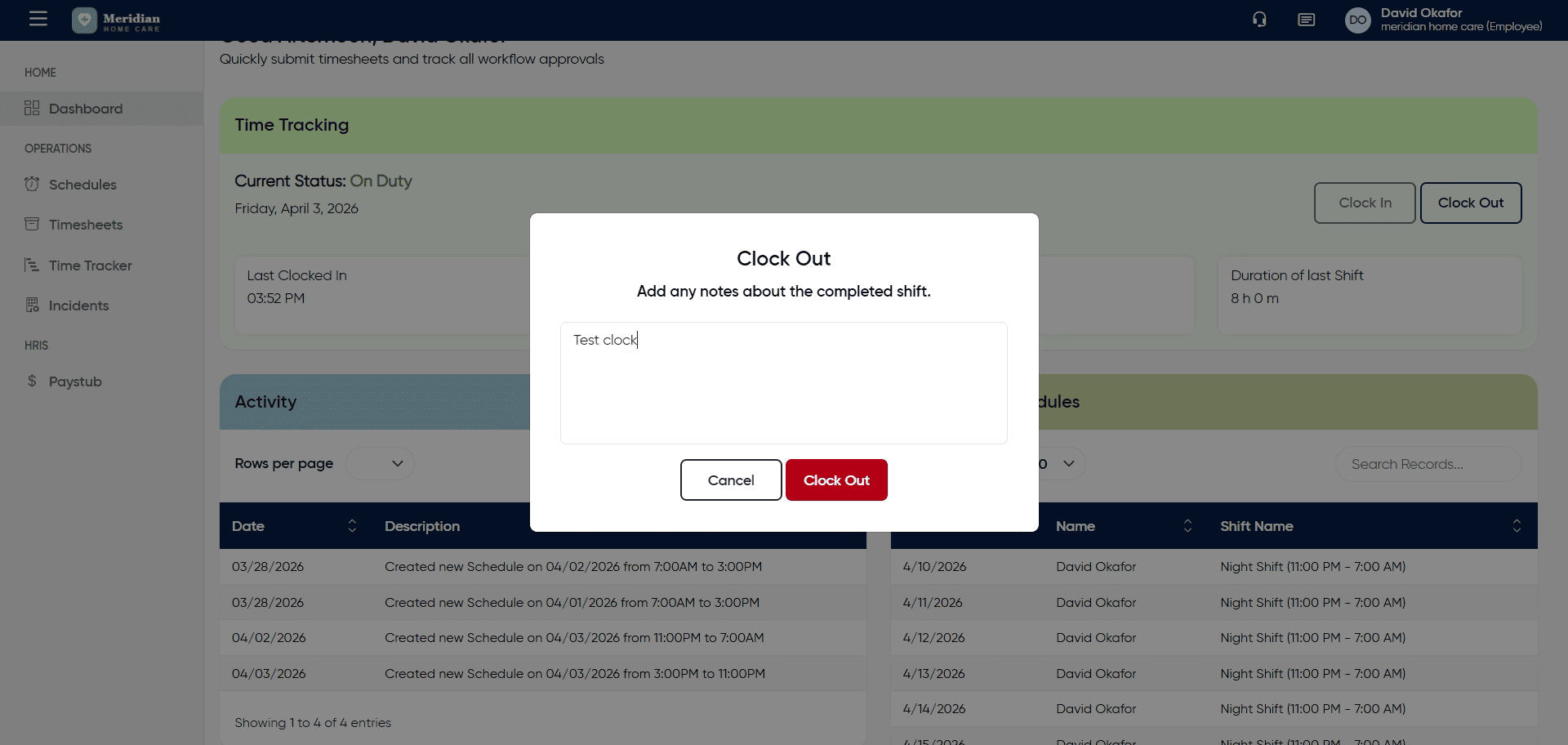
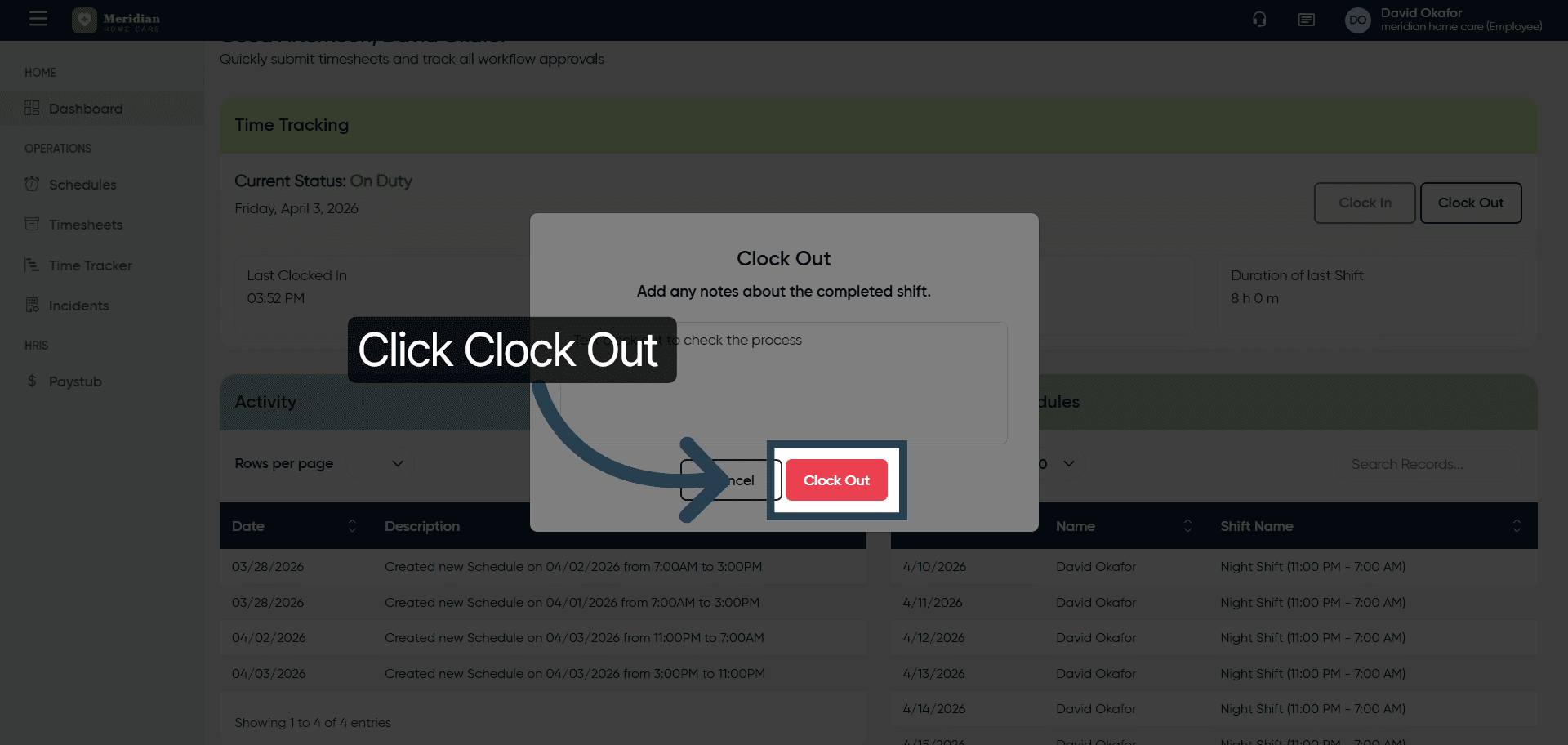
9. Confirm Clock Out
After completing this training, you will be able to accurately clock in and out using OfficeOne Solution.