
Approve Expenses
This tutorial guides you approving of Expenses in OfficeOne.
Go to app.office1solution.com
1. Introduction
You will learn how to navigate the expenses section and approve submitted expense reports.
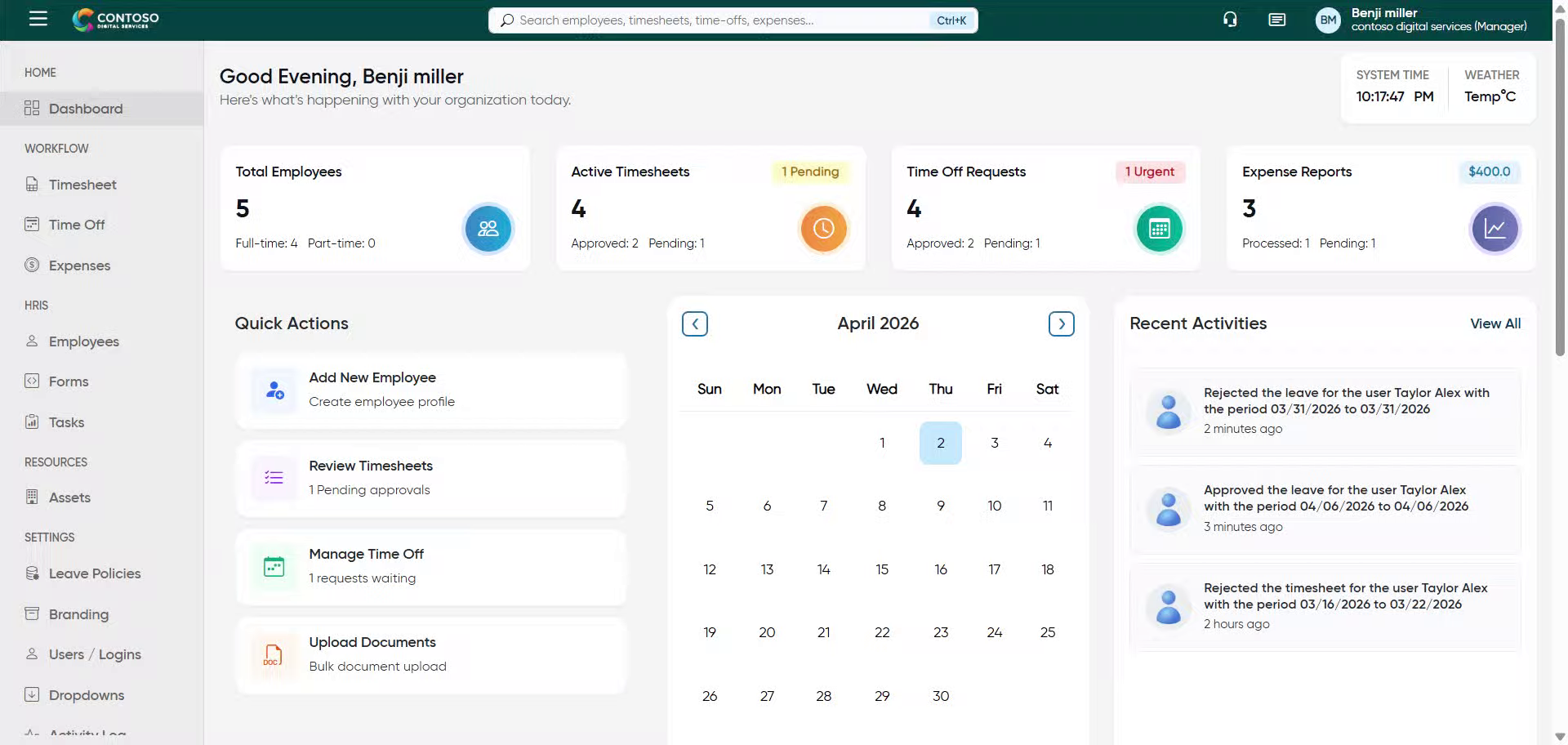
2. Access Expenses Section
Click “Expenses” to open the expenses management area in Office1solution.
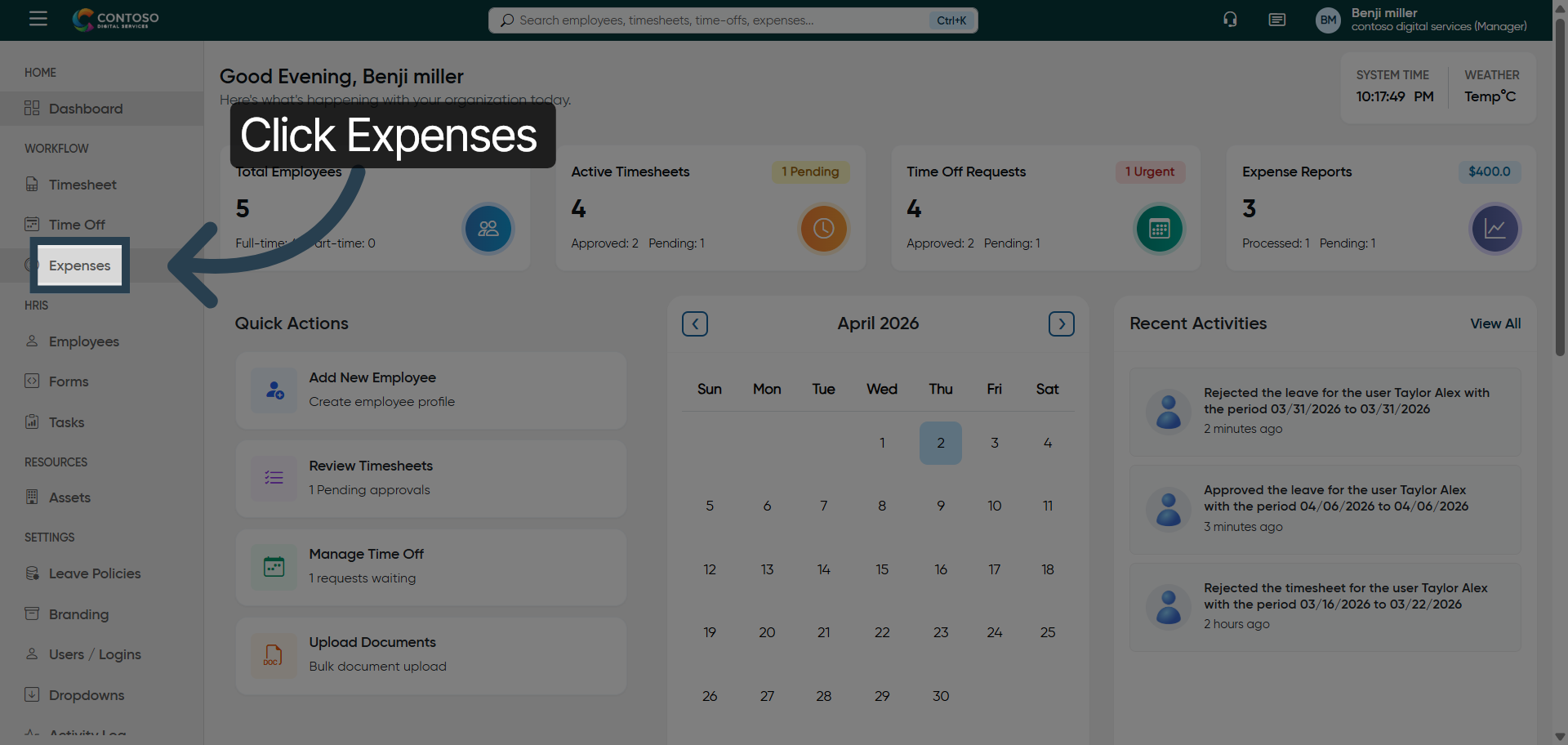
3. Enter Privilege Details
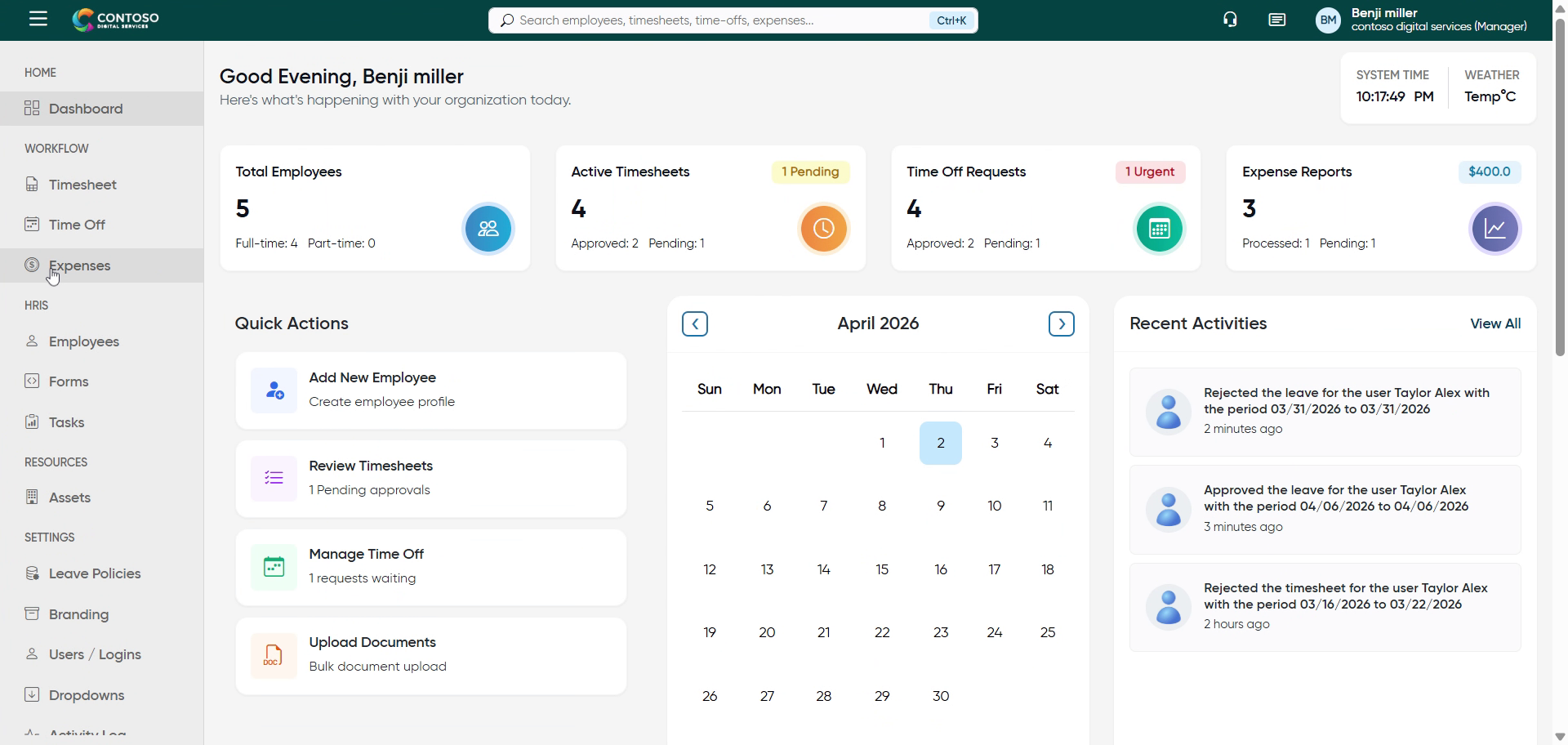
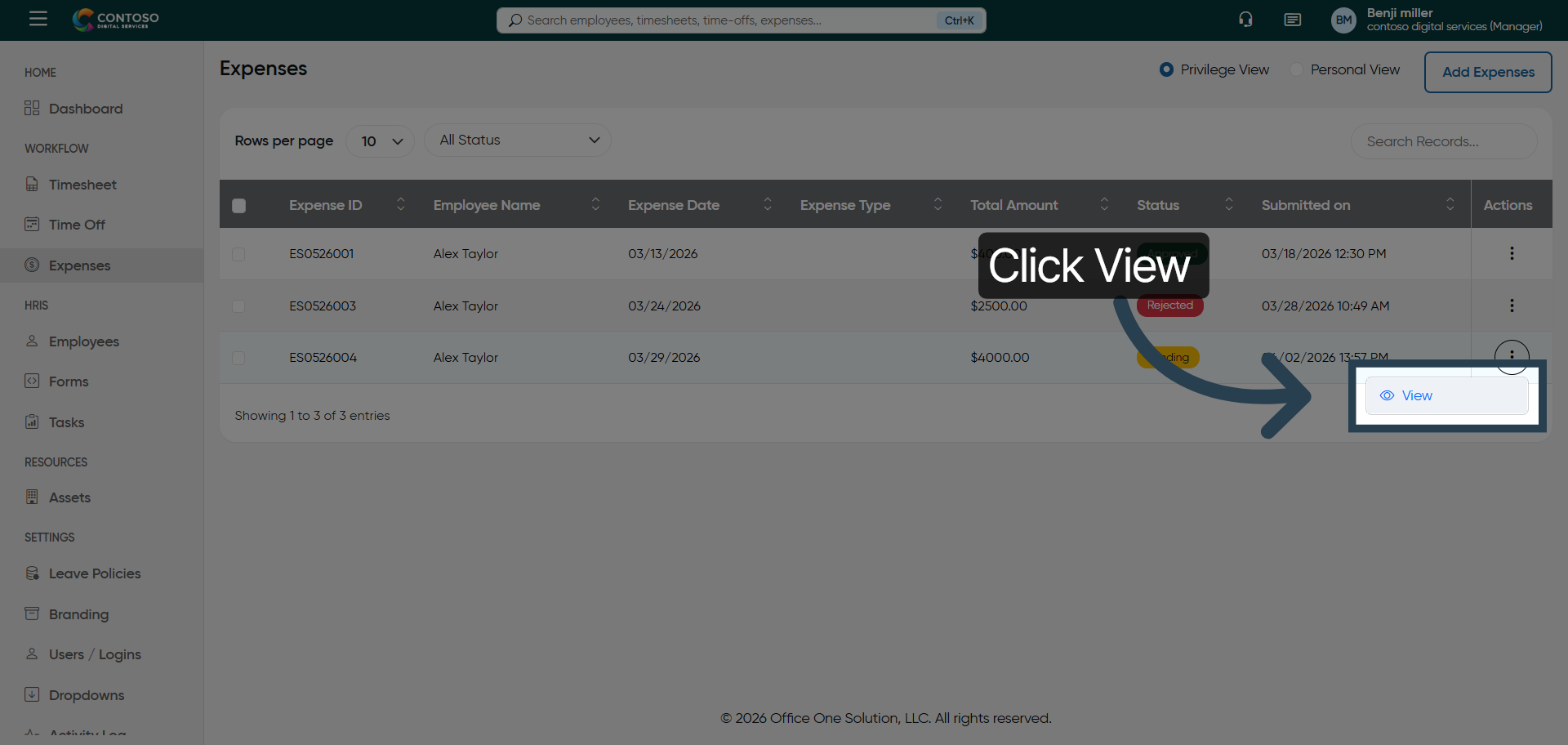
4. Open Expense Options
Click here to access additional options related to the selected expenses.
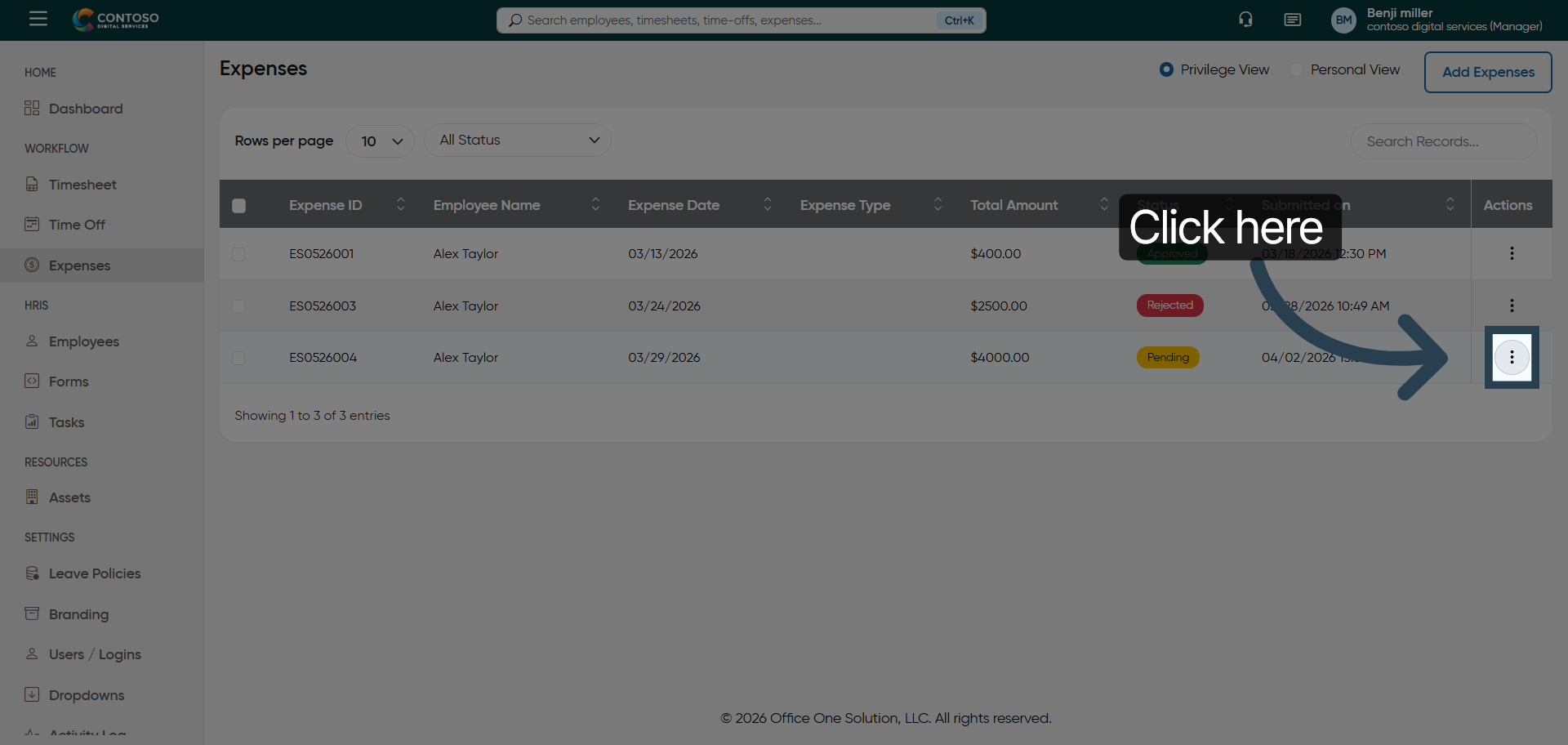
5. View Expense Details
Click “View” to see detailed information about the selected expense report.
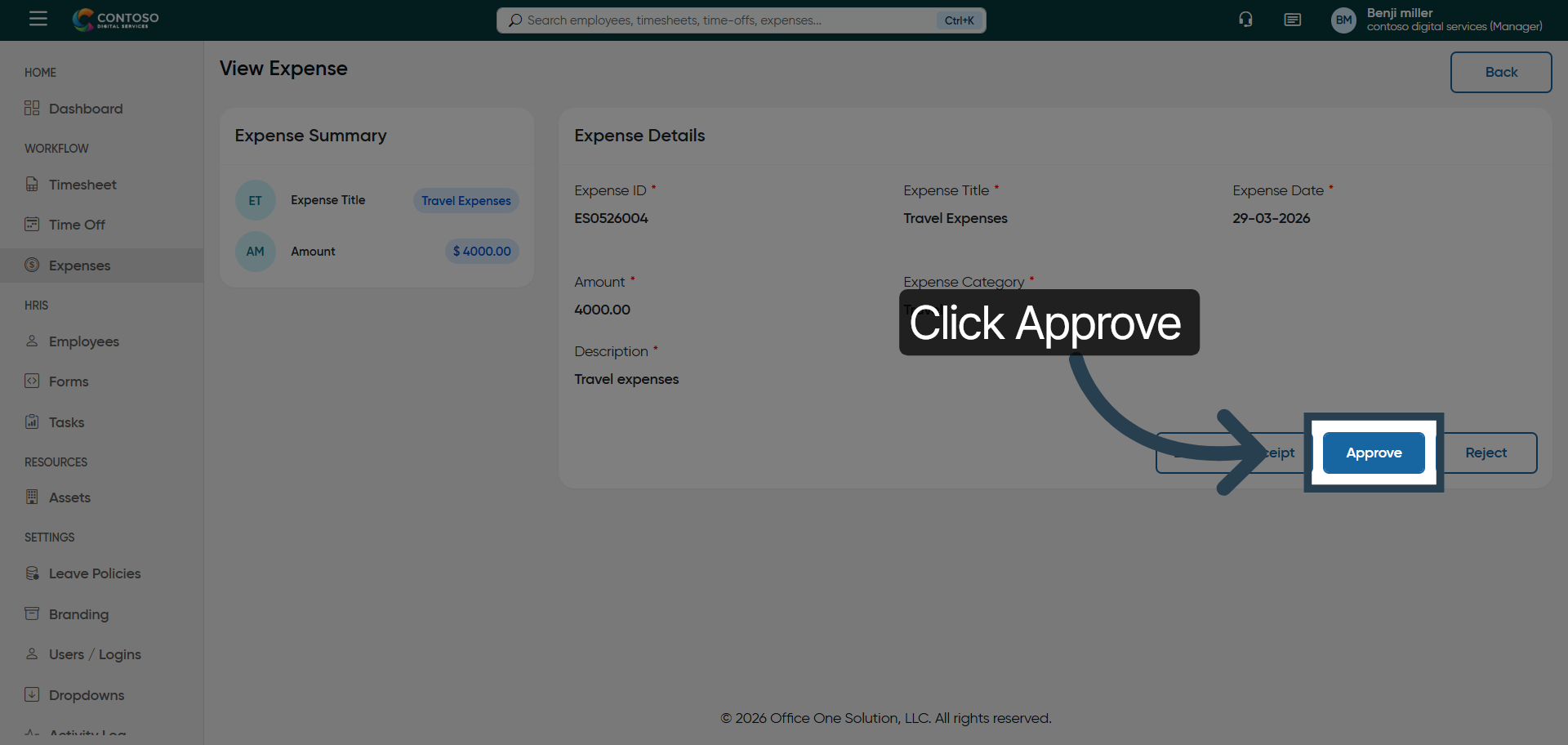
6. Approve Expense Report
Click “Approve” to authorize the selected expense report for processing.
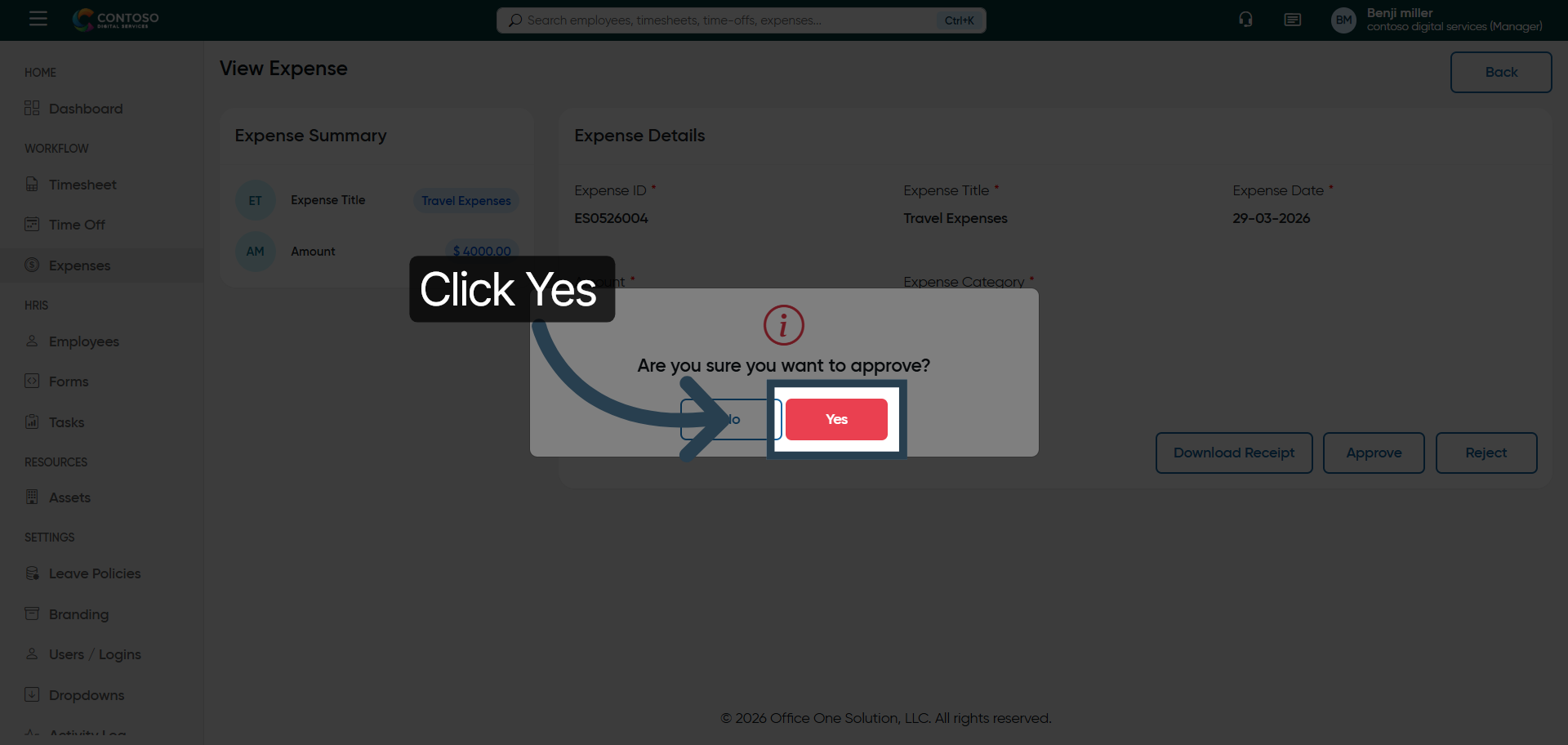
7. Confirm Approval
Click “Yes” to confirm and finalize the approval of the expense report.
You have successfully navigated the expenses section and approved an expense report in OfficeOne